lume Download on theApp Store

Alarm clock for iPhone

Your alarm stops when you’re actually up.

Lume keeps ringing until you finish a wake-up mission: solve the math, do the pushups, find the kettle, crack open your energy drink. Hit Stop and it rings again.

Download on theApp Store Free to try on iPhone
Lume’s rooster mascot
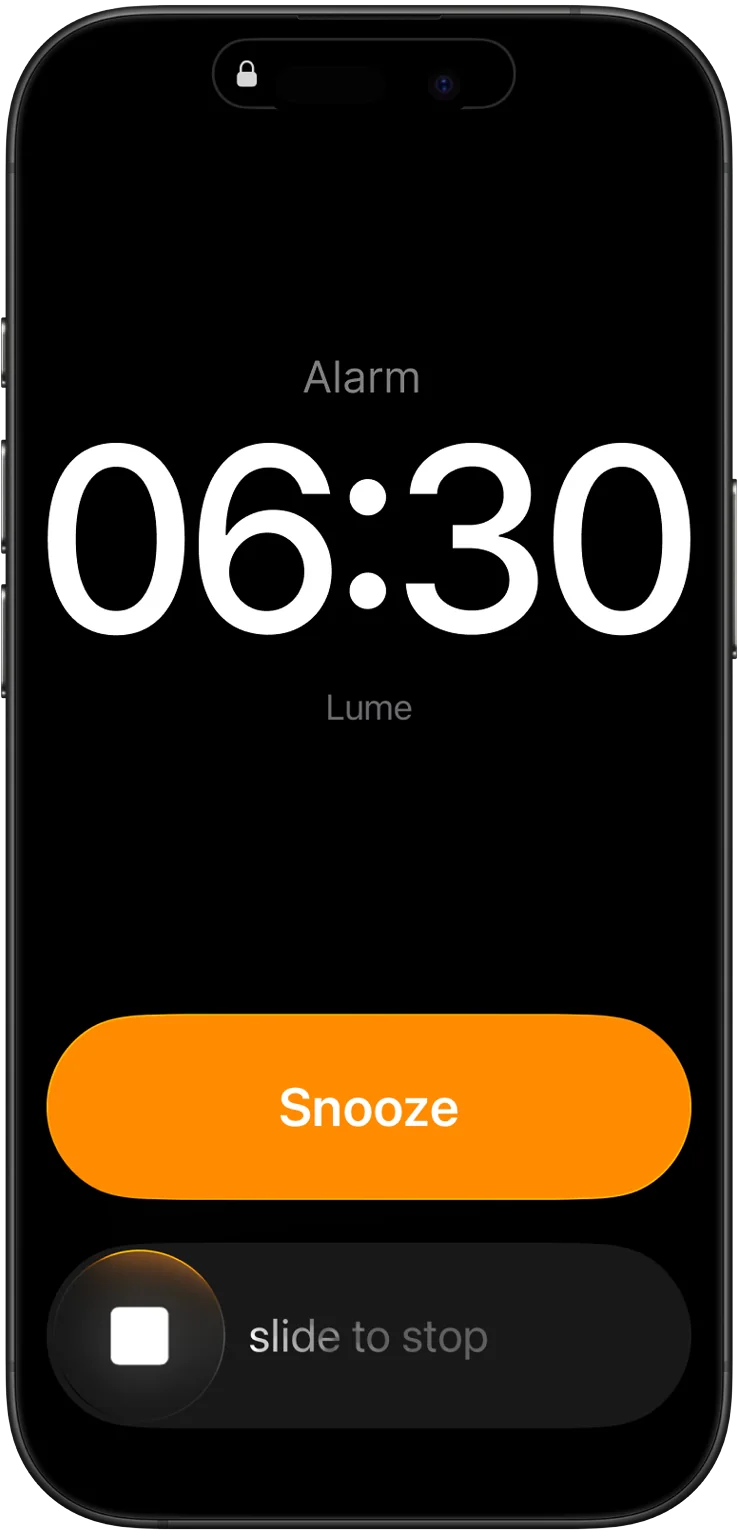
Lume alarm ringing on the iPhone lock screen

It’s 6:30 and Lume is ringing. Try pressing Stop.

How it works

The Stop button is a trap.

Snoozing works because turning an alarm off takes no effort. Lume makes the only way out a small task that gets you moving and thinking.

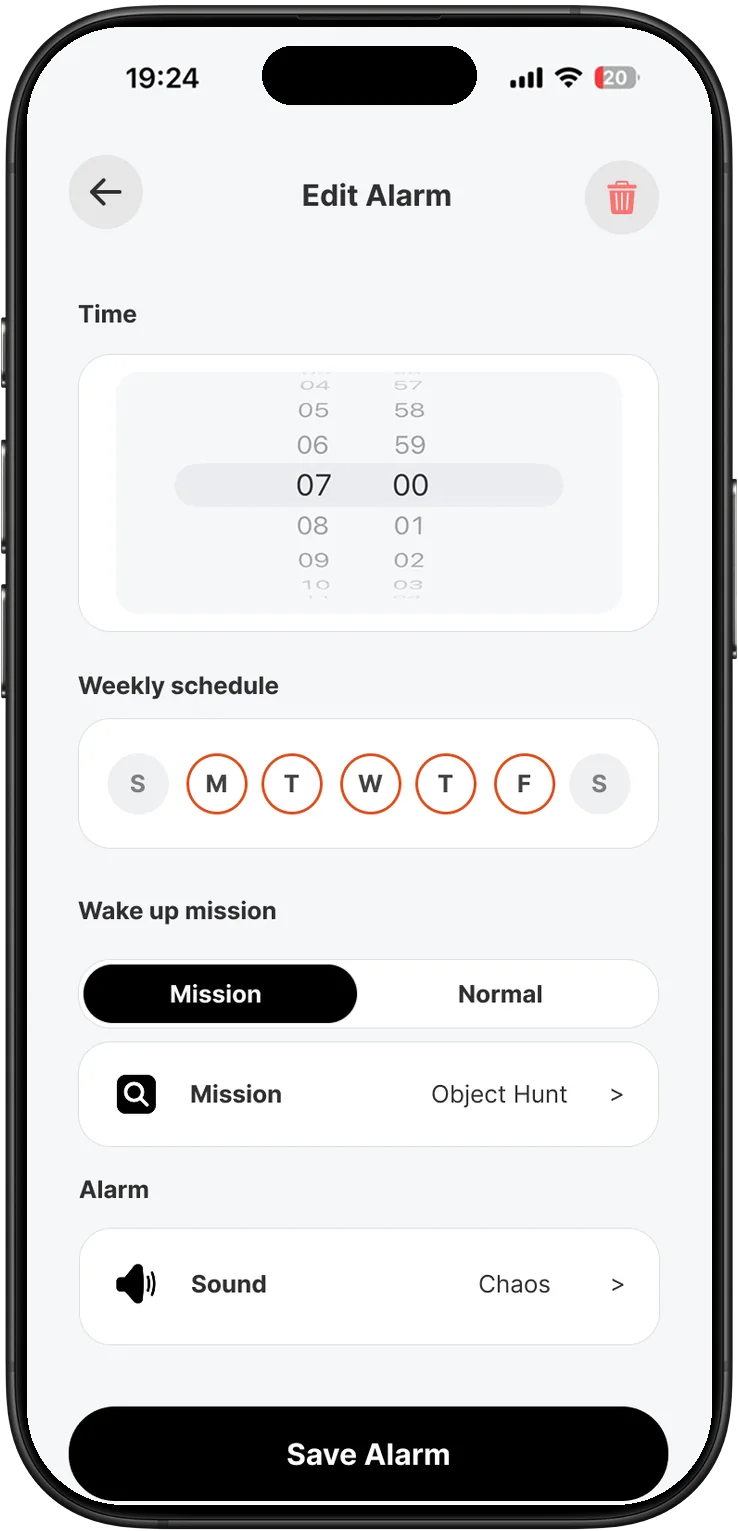
  1. Edit Alarm screen with time, weekly schedule, mission and sound
    01

    Set the alarm and pick a mission

    Choose the time, the days, the sound, and the mission you’ll have to finish before it goes quiet.

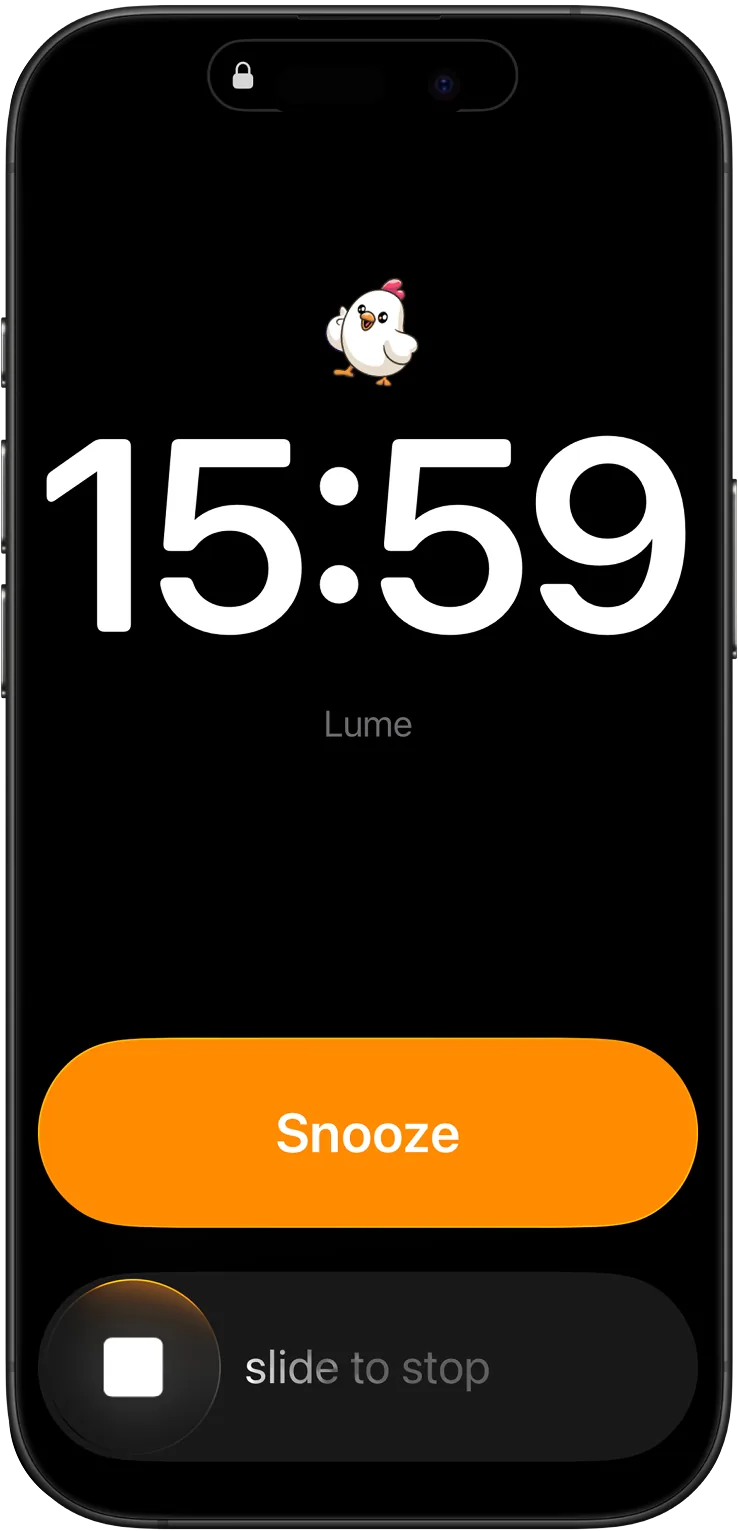
  2. Lume alarm ringing on the lock screen
    02

    It rings. Stop doesn’t work.

    Stop it or snooze it without doing the mission and Lume rings again. And again.

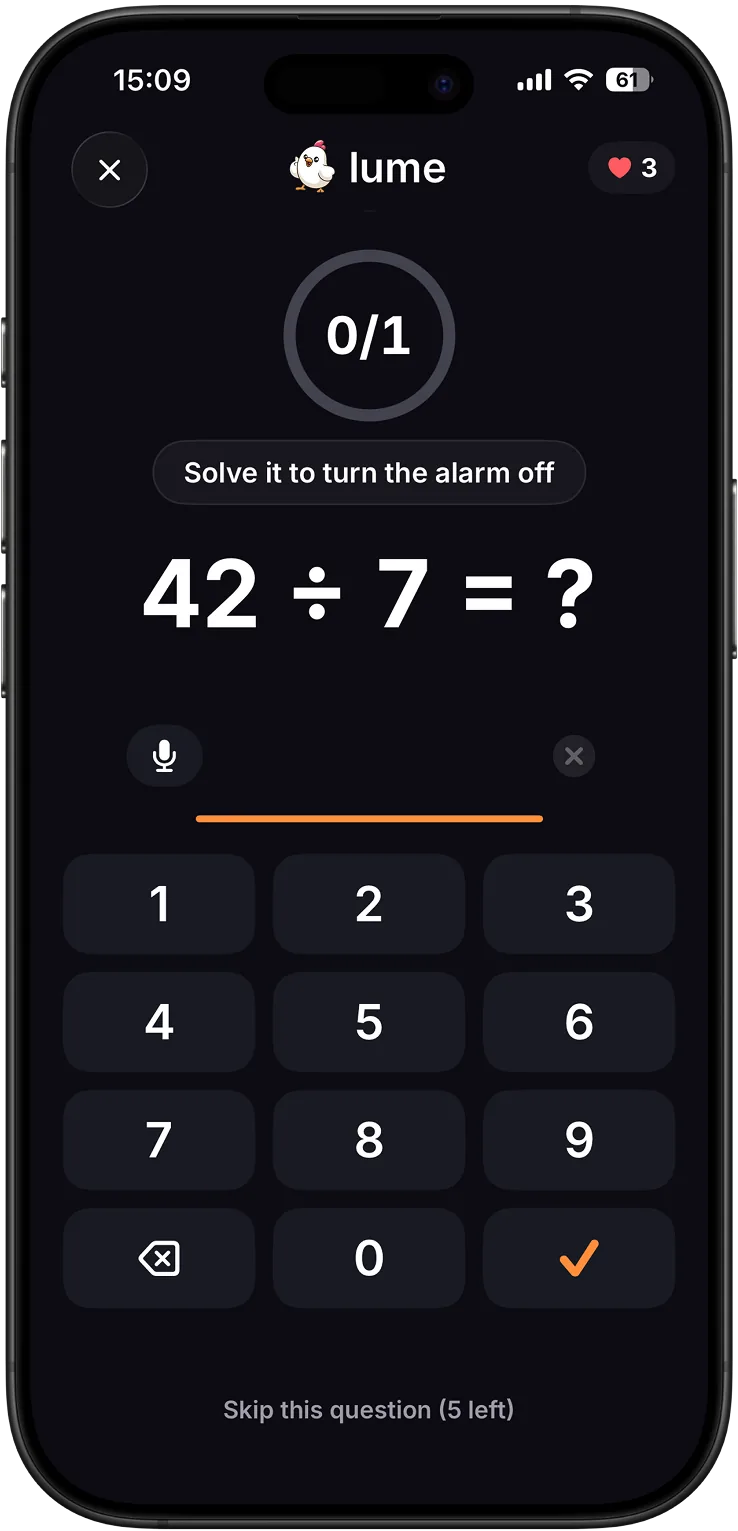
  3. Math mission: 42 ÷ 7 with a number pad
    03

    Do the mission

    Solve the problems, count the reps, find the object. The alarm keeps going until you’re done.

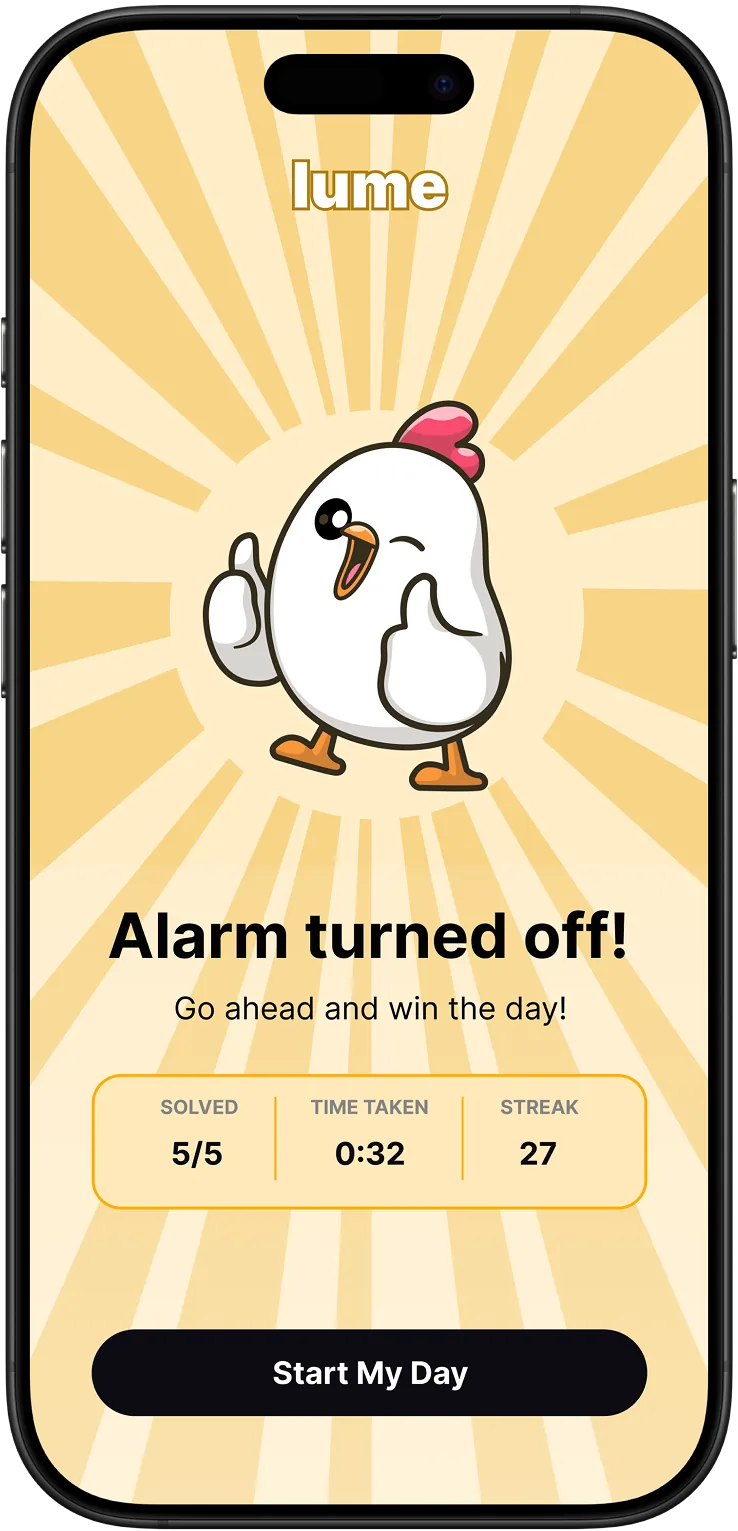
  4. Alarm turned off screen with the rooster giving a thumbs up, solved count, time taken and streak
    04

    Start your day

    The alarm switches off, the rooster gives you a thumbs up, and you see how long it took and your new streak.

Swipe for the next step →

Wake-up missions

Pick what gets you out of bed.

Some missions get your body moving, some get your brain working. Choose a different one for each alarm.

Math mission screen

Swipe to see every mission →

Need a plain alarm some days? Switch any alarm from Mission to Normal.

Streaks

Mornings you can count.

Every finished mission is a morning you didn’t lose to the snooze button. Lume keeps score.

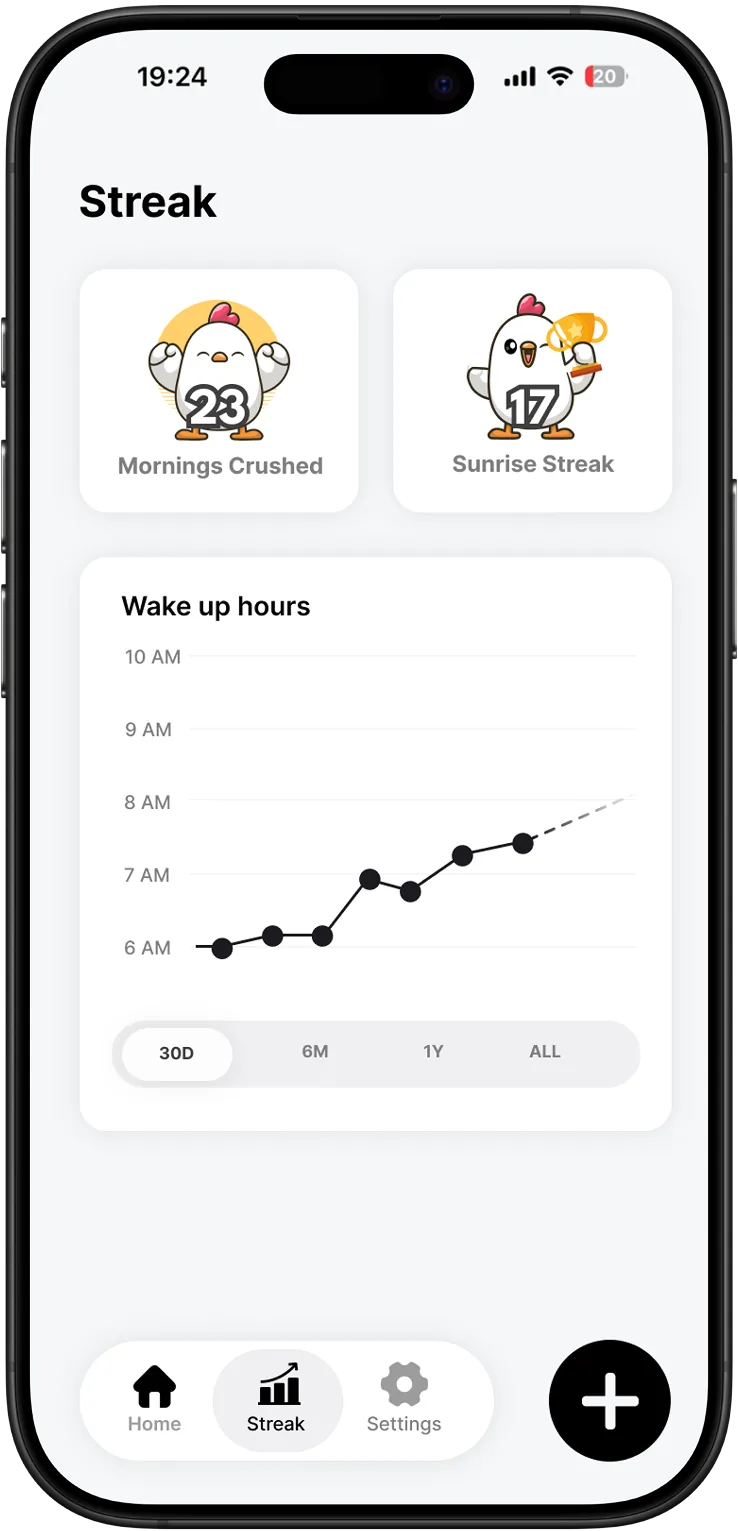
  • Sunrise Streak

    Your run of mornings in a row. Miss one and it starts over.

  • Mornings Crushed

    Every morning you’ve beaten the alarm, all added up.

  • Wake-up hours

    See when you actually got up over the last 30 days, 6 months or year.

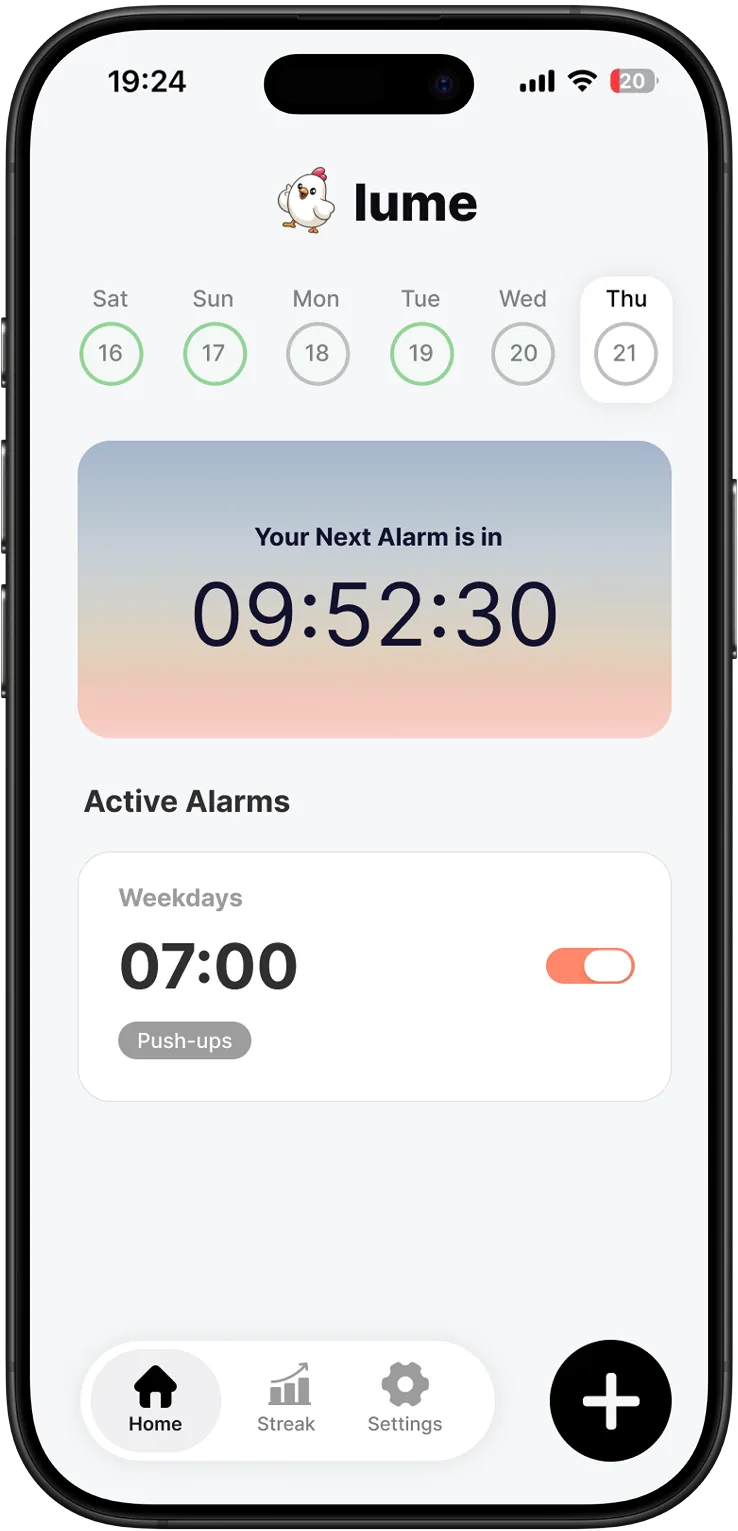
  • Next alarm countdown

    The home screen shows how long until the next one and how your week is going.

Lume home screen with next alarm countdown and active alarms
Streak screen with Mornings Crushed, Sunrise Streak and wake-up hours chart
Lume’s rooster mascot giving a thumbs up

Set tomorrow’s alarm tonight.

Download Lume, pick a mission, and find out what waking up on the first try feels like. The rooster will be there at 6:30.

Download on theApp Store

FAQ

Questions, answered.

What happens if I press Stop?

The alarm rings again. Snoozing doesn’t get you out of it either. Finishing your mission is the only way to switch it off.

Which mission should I choose?

If you turn alarms off and fall back asleep, pick one that gets you out of bed: object hunt, pushups or the energy drink. If you get up but stay foggy, try math or trivia.

Can I still set a normal alarm?

Yes. Every alarm can be set to Mission or Normal, with its own days and sound.

How much does Lume cost?

Lume starts with a free trial. The subscription price is shown in the app before you’re charged, and you can cancel any time in your App Store settings.